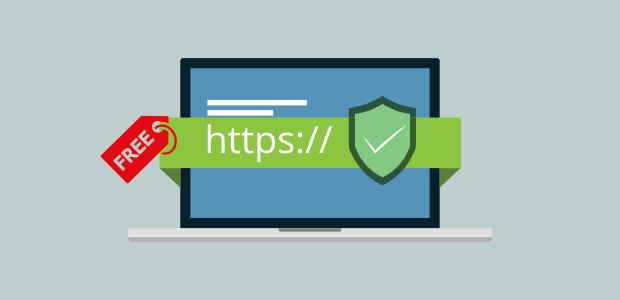
How to Get Free SSL

    Install Let's Encrypt certificates through your hosting control panel for free. Learn how to leverage the ACME protocol, automate the 90-day renewal cycle, and secure your site's traffic without spending a penny on commercial licenses.

    The Open Web Revolution: Moving Past Overpriced Commercial Security Certificates

    In the early days of e-commerce and secure web hosting, protecting your visitor traffic meant navigating a complex maze of expensive commercial certificate authorities. Buying even a basic Domain Validation (DV) security certificate required paying hefty annual fees, manually generating server-side files, and managing painful yearly renewals. At TY ALPHA, TECHNOLOGY, we have watched the web shift toward a safer, universally encrypted standard. Thanks to nonprofit organizations like the Internet Security Research Group (ISRG) and their landmark initiative, Let's Encrypt, getting a secure, recognized SSL certificate is now completely free, highly automated, and accessible to everyone.

    The secret to Let’s Encrypt’s global success is its use of the Automatic Certificate Management Environment (ACME) protocol. Instead of requiring human administrators to manually verify domain ownership, generating key pairs, and copying text files, the ACME protocol automates the entire process. Most modern web hosting providers have integrated this technology directly into their control panels (such as cPanel, Plesk, or customized hosting dashboards). With just a single click, your hosting server can communicate with Let's Encrypt, complete the security handshake, and install a trusted SSL certificate automatically.

    However, executing a successful, zero-cost security migration involves more than just clicking a button in your dashboard. To build a robust setup, your technical team must ensure automatic cron jobs are configured correctly, manage wildcard subdomains, and make sure your server-side configurations don't break during renewal cycles.

    How to Get and Install Free Let's Encrypt SSL by TY ALPHA TECHNOLOGY

    The Five Technical Pillars of Free Automated SSL Certificates

    To secure your website using Let’s Encrypt’s open-source architecture while maintaining peak server performance, your setup must align with these five core pillars:

    • ACME Protocol Automation: Leveraging the automated ACME client to request, verify, install, and renew SSL certificates without requiring manual developer oversight.
    • Automated Domain Validation (DV): Proving domain ownership quickly to the certificate authority via automated HTTP file challenges or DNS TXT record checks.
    • Short-Lifecycle Security: Adopting 90-day certificate life cycles to minimize damage from potential key compromise, replacing long-duration commercial risks with fresh keys.
    • Wildcard Domain Capabilities: Generating multi-domain or wildcard certificates (*.yourbrand.com) to secure your main site and all subdomains under a single free license.
    • System-Level Auto-Renewals: Setting up automated background tasks (cron jobs) to check and renew your certificates at the 60-day mark, ensuring your site never experiences expiration downtime.

    The Operational Advantage: Eliminating the Pain of Manual Renewal Deadlines

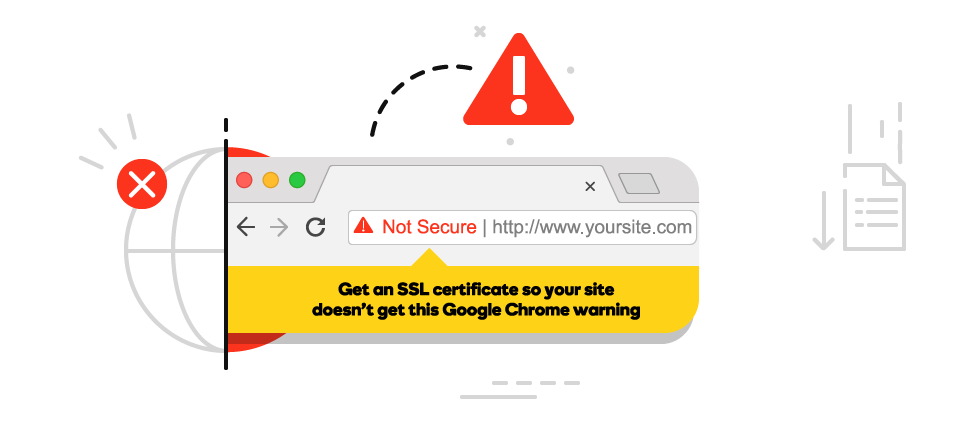
    The primary business benefit of using a free, automated SSL certificate like Let's Encrypt is the complete elimination of human error from your security renewal schedule. For years, one of the leading causes of sudden website outages was simply forgetting to renew a paid, annual SSL certificate. When a paid certificate expires, browsers instantly block visitors with terrifying security warnings, causing immediate brand damage and lost sales.

    With an automated Let’s Encrypt integration, your server checks and renews its own certificate in the background every 60 days. This means your IT team never has to worry about expiring security keys or keeping track of renewal credit cards. At TY ALPHA, TECHNOLOGY, we specialize in building automated, resilient server setups that keep your online platforms secure, fast, and completely maintenance-free.


    The SSL Certificate Matrix: Free Let's Encrypt vs. Paid Commercial SSL

    This structured matrix outlines the operational differences, verification levels, and costs between free automated certificates and paid commercial alternatives:

    Security Feature Free Let's Encrypt SSL (ACME) Paid Commercial SSL (Sectigo, DigiCert, etc.)
    Annual License Cost **$0 (Always Free).** Backed by major global tech sponsors to keep the web universally encrypted. **$10 to $150+ Per Year.** Requires recurring annual renewal fees and manual billing setup.
    Verification Levels **Domain Validation (DV) Only.** Validates domain ownership via automated server-to-server challenges. **DV, OV, and EV.** Offers deeper corporate background checks for organizations requiring legal verification.
    Renewal Process **100% Automated.** The server-side ACME client automatically requests and installs a fresh certificate every 60 days. **Manual Setup Required.** Requires developers to purchase, generate CSR files, and copy keys onto the server manually every year.
    Financial Warranty **None.** Let's Encrypt provides the open-source protocol and certificates but does not offer financial liability insurance. **$10,000 to $1.5M+ Warranty.** Paid commercial certificates include financial insurance to cover losses from decryption breaches.

    Refining the Setup: Why Automation Demands a Reliable Hosting Environment

    A common trap for growing brands is attempting to set up automated Let's Encrypt certificates on outdated, unmanaged hosting servers. While the certificates themselves are completely free, your server must have a running ACME client (like Certbot) or a modern control panel to handle the automatic renewal challenges. If your server experiences frequent software crashes, runs outdated operating systems, or blocks background tasks, the automatic renewal process will fail silently, leaving your site exposed to expired certificate errors.

    To enjoy a truly worry-free setup, your team must pair free SSL certificates with a modern, high-performance hosting platform. This means selecting hosts that offer native, one-click Let's Encrypt support, maintaining clean system packages, and setting up automated monitoring alerts to notify your team if a renewal ever fails. By combining free, automated SSL encryption with a stable hosting environment, you keep your business site fast, safe, and perfectly optimized for search engines.


    Installing Free SSL on Your Hosting Panel: A 6-Step Blueprint

    To access your hosting dashboard, request your free certificate, and configure automatic renewals with zero downtime, follow these six steps:

    1. Point Your Domain to Your Web Server

    Ensure your domain's DNS A records are fully pointed and active on your web host before requesting a certificate, as Let's Encrypt must verify ownership.

    2. Log Into Your Hosting Control Panel

    Access your web hosting administration dashboard (such as cPanel, Plesk, or your host’s custom management area).

    3. Navigate to the SSL/TLS Let's Encrypt Section

    Locate the Security tab in your dashboard and click on the "Let's Encrypt SSL" or "Manage SSL" icon.

    4. Choose Your Target Domain and Subdomains

    Select your primary domain from the list and check the boxes to include both the non-www and "www" versions of your site.

    5. Request and Install the Free Certificate

    Click the "Issue" or "Install" button. Your server will instantly handle the validation challenges and apply the certificate.

    6. Test and Enforce Secure HTTPS Connections

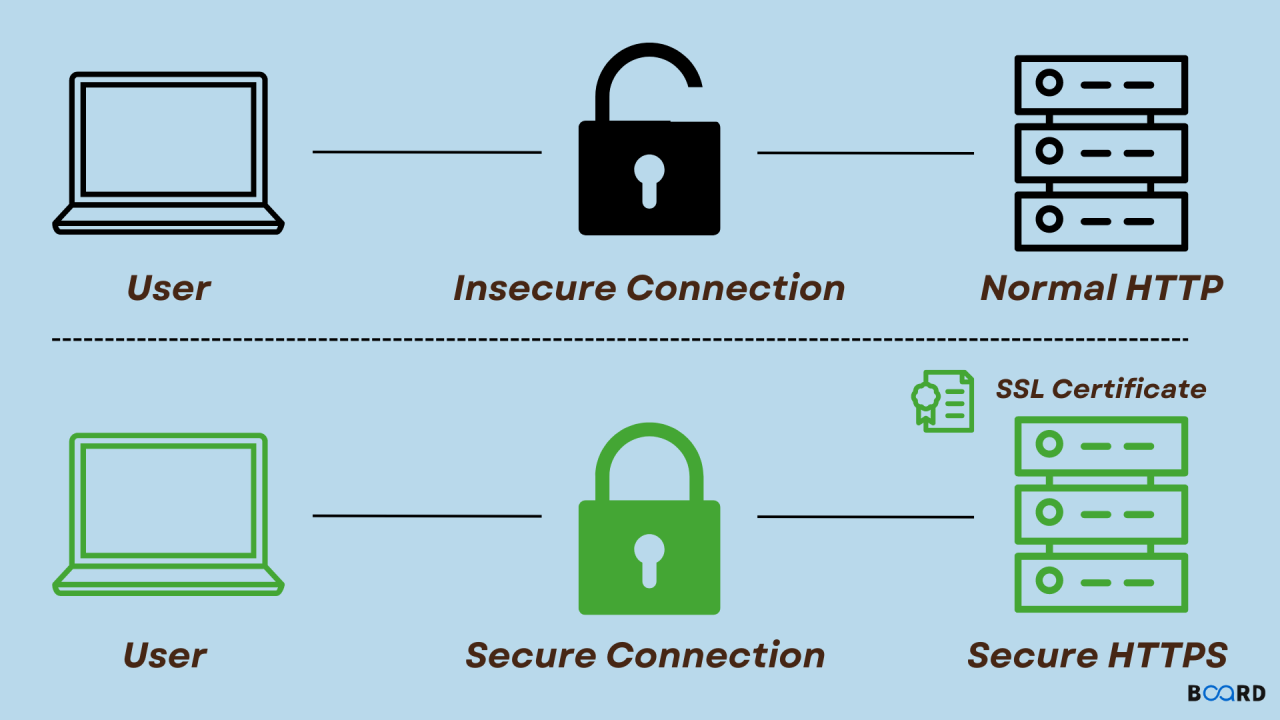
    Visit your site using "https://" and check for the lock icon. Use your dashboard settings to force all HTTP traffic to load securely over HTTPS.


    Ready to Secure Your Web Platform with Fast, Fully Automated Encryption?

    Setting up a free, automated Let's Encrypt SSL certificate is a smart operational move—it keeps your user data encrypted, eliminates manual renewal hassles, and satisfies modern search engines without inflating your budget.

    If your business requires professional help migrating to automated SSL setups, assistance managing complex multi-domain certificates, or expert engineering support to build fast hosting environments, we are here to help. The development and server optimization team at TY ALPHA, TECHNOLOGY specializes in keeping online systems fast, reliable, and highly secure, helping business leaders build robust, scalable web architectures designed for long-term growth.