How to Migrate Store Hosting

    Move your website files to a new server without losing data. Master the transition from restrictive environments to high-performance infrastructure with zero downtime and total integrity for your customer databases.

    The Infrastructure Pivot: Seamlessly Re-homing Your Digital Storefront

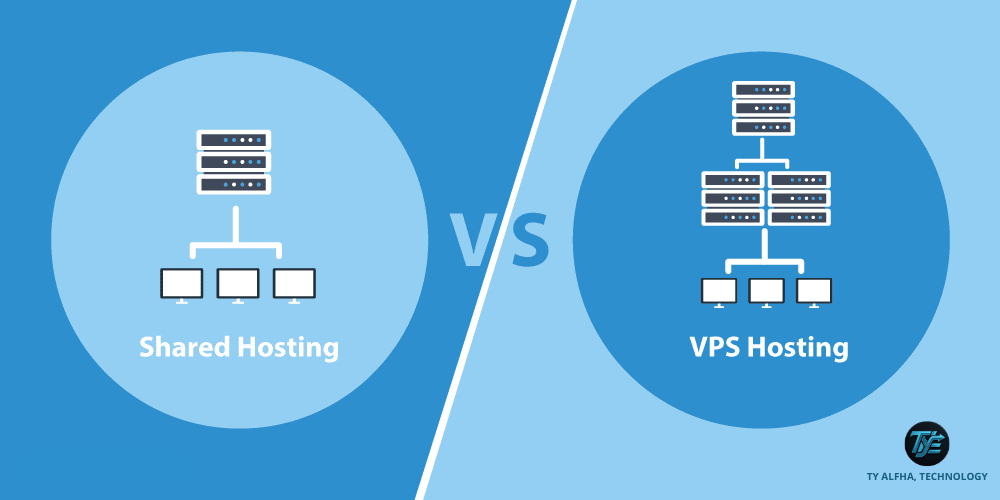
    For scaling retail founders and e-commerce growth leads, the decision to migrate hosting providers is often triggered by a realization: the current environment is no longer capable of supporting your business velocity. Whether you are outgrowing shared server constraints, moving to a more resilient cloud cluster, or seeking superior security protocols, the migration process is a high-stakes operational maneuver. At TY ALPHA, TECHNOLOGY, we recognize that moving a live store involves more than just copying files; it requires a meticulous synchronization of active customer sessions, product databases, and secure payment configurations.

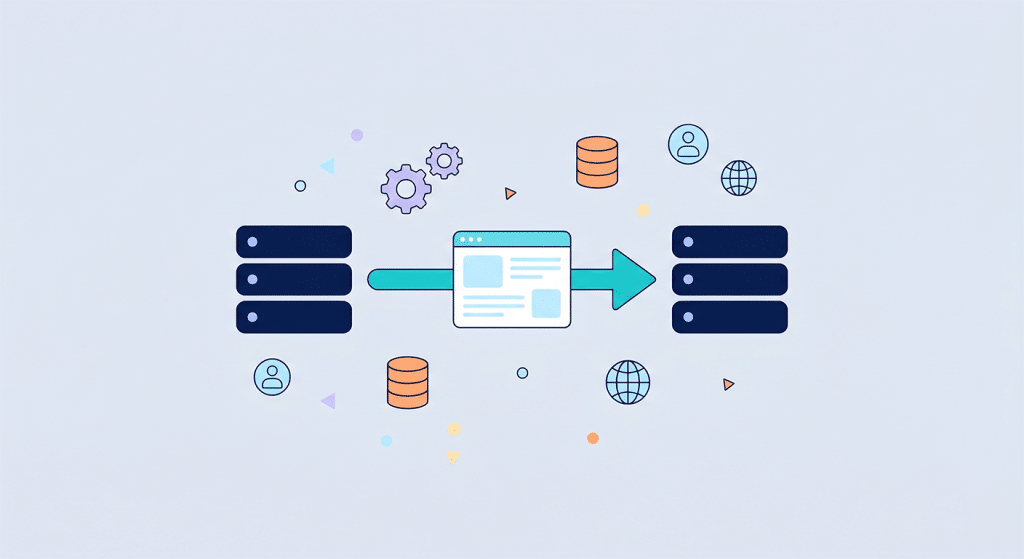
    Migrating your store without losing data—or, more importantly, without alienating your customers—demands a systematic approach. The process involves creating a perfect replica of your production environment, auditing all file dependencies, and orchestrating a clean DNS transition. Instead of blindly exporting assets, modern migrations focus on integrity checks and environment parity. This ensures that when the "switch" is flipped, your storefront retains its full functionality, high-resolution media library, and critical administrative settings without the risk of broken links or lost transactional history.

    However, executing a successful migration means looking beyond the simple file-transfer novelty. To ensure that your platform maintains its uptime and search engine ranking during the transition, creators must evaluate how their new hosting environment handles database indexing, SSL certificate propagation, and server-side redirects.

    E-commerce Hosting Migration Strategies by TY ALPHA TECHNOLOGY

    The Core Pillars of a Risk-Free Hosting Migration

    To utilize infrastructure transitions effectively without diluting your data integrity or site performance, it helps to follow these foundational migration pillars:

    • Full-Stack Integrity Auditing: Performing a complete inventory of your source environment—including database snapshots, media directories, custom plugin configurations, and server-side scripts—to ensure no dependencies are left behind.
    • Staging Environment Parity: Deploying your site to a mirror environment on the new host first. This allows your team to test checkout flows, load speeds, and API integrations in a secure sandbox before the live traffic cutover.
    • Zero-Downtime Synchronization: Utilizing data replication tools that keep the new server updated with live changes while the migration is in progress, preventing data loss during the propagation period.
    • Database Consistency Verification: Reconciling complex SQL datasets to ensure that customer orders, user accounts, and inventory levels are perfectly matched post-transfer.
    • SEO Redirect Mapping: Implementing a structured 301-redirect strategy to ensure that your site's established organic search authority is fully preserved at the new destination.

    The Transition Advantage: Elevating Stability Through Strategic Relocation

    The primary commercial benefit of performing a clean hosting migration is the immediate upgrade to your platform’s operational ceiling. By moving to a superior hosting architecture, you eliminate the typical bottlenecks—such as sluggish database response times or limited memory buffers—that occur when you hit the limits of a legacy server. The improved server response times lead to faster page loads, which directly translates into higher conversion rates for your retail campaigns.

    This structured transition significantly reduces system friction and potential security risks. Instead of dealing with patched-together security updates on an old, unmanaged platform, your new environment provides clean, modern server structures. At TY ALPHA, TECHNOLOGY, we guide retail leaders through these transitions to ensure their digital brand identity remains fast, modern, and perfectly aligned from the very first click on the new server.


    The Migration Matrix: Comparing Transition Methods and Data Safety

    This structured matrix evaluates the complexity, risk, and practical value of the leading store migration methodologies:

    Migration Method Core Operational Focus Long-Term Impact on Scalability & Performance
    Manual Full-File Transfer **Granular Control.** Requires manual database export/import and FTP/SSH file transfers. **Maximum Customization.** Allows you to clean up old, unused files during the move, keeping the final server installation lightweight.
    Automated Plugin Migration **Convenience.** Uses CMS-specific migration tools (like All-in-One WP Migration) to pack/unpack the site. **Fast Turnaround.** Ideal for standard, non-complex stores. May struggle with massive database sizes or custom server-level dependencies.
    Server-Side Replication **Real-Time Data Sync.** Uses rsync or similar tools to mirror file changes and database states across servers. **High Data Integrity.** Best for massive stores; keeps the new server identical to the old one, minimizing the risk of missing data.
    Managed Expert Migration **White-Glove Execution.** An external team handles the audit, transfer, and post-migration verification. **Business Continuity.** Eliminates human error and technical risk. Allows your team to stay focused on retail sales and growth strategy.

    Refining the Move: Why Technical Migrations Require Human Strategic Direction

    A common trap for new brands is attempting to automate a migration without verifying the specific server-side configurations. While digital migration assistants are exceptional at transferring files, they often fail to account for unique custom pathing, proprietary database triggers, or SSL-certificate specificities. If left unverified, a site might look correct on the surface, but transactional bugs may appear in the checkout process or the payment processing API.

    Additionally, site performance must balance with modern global caching requirements after a move. DNS propagation times and unconfigured CDN settings can lead to temporary access drops if they are not managed carefully. To transform your migration into a high-performance commercial upgrade, your team must treat the new server as an advanced canvas—a baseline that you refine with optimized environment variables, updated security firewalls, and clean, high-speed image delivery.


    Executing Your Hosting Migration: A 6-Step Implementation Guide

    To integrate your store into a new, faster, and more scalable hosting environment while maintaining data integrity, follow these six steps:

    1. Perform a Full Site and Database Backup

    Create a verified, offline archive of your entire site and database. Ensure you have the ability to roll back to this state instantly if the migration encounters issues.

    2. Audit Environment Dependencies

    Catalog all custom PHP modules, specific plugin versions, and server-side configurations that your current store relies on to operate successfully.

    3. Deploy and Test the Staging Mirror

    Migrate your files to the new server and configure them in a private staging URL. Rigorously test every critical user flow, including search, cart additions, and checkout steps.

    4. Execute Data Synchronization

    Perform a final sync of your database and media assets immediately before the DNS cutover to ensure no customer orders are missed during the transition.

    5. Update DNS and SSL Protocols

    Point your domain nameservers to the new host. Immediately install and verify your new SSL certificates to ensure secure, uninterrupted browsing.

    6. Schedule Post-Migration Performance Reviews

    Monitor your site's error logs, speed metrics, and checkout functionality for 48 hours following the move to ensure everything is operating at peak efficiency.


    Ready to Move Your Store to a High-Performance Foundation?

    Migrating your hosting environment is a major infrastructure milestone—it enhances your site speed, improves your security posture, and provides the scalable backbone necessary for long-term commercial growth.

    If your business requires a seamless migration plan, help configuring complex database environments, or professional support moving your store with zero downtime, we are ready to assist. The development and engineering team at TY ALPHA, TECHNOLOGY specializes in keeping complex digital systems clear, exceptionally fast, and secure, helping corporate leaders build robust web ecosystems designed for success.


    Ready to Build a High-Performance, Secure Digital Presence?

    Upgrading to a professional, scalable hosting solution is a critical milestone for growing online stores—it protects your marketing investments, keeps your storefront fast and responsive during busy sales events, and provides a smooth shopping experience that turns visitors into loyal customers.

    If your business requires a reliable cloud migration strategy, help setting up advanced database replication, or professional assistance managing dynamic, auto-scaling hosting environments, we are ready to support you. The engineering team at TY ALPHA, TECHNOLOGY specializes in keeping complex digital systems fast, stable, and highly secure, helping corporate leaders build robust, scalable e-commerce platforms designed for long-term commercial growth.